Print & ebook files
Files every store will take.
Every book downloads as a print-ready PDF for a paperback, an EPUB for ebook stores, a Word file and the cover. No formatting by hand.
- Print-ready 6 × 9 for KDP
- EPUB for Kindle, Apple Books, Kobo
- Download again after edits


 My Books
 Edit the plan


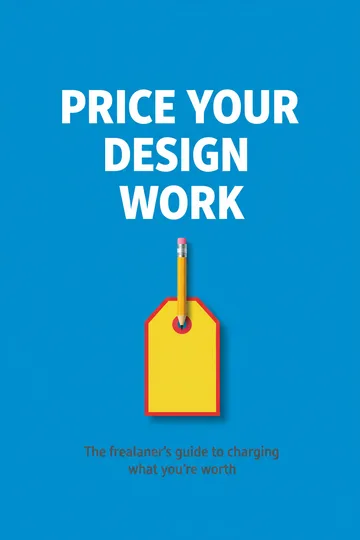
 Scroll
 Book
Book

See it first
Turn the real pages before you download.
Inside BookArc you read the book as the actual print file, page by page. This one is a real BookArc book, unedited.
- Chapter openings, page numbers and margins, as they print.
- Every edit you make shows up in the next download.
- Free accounts read every page too, marked PREVIEW.

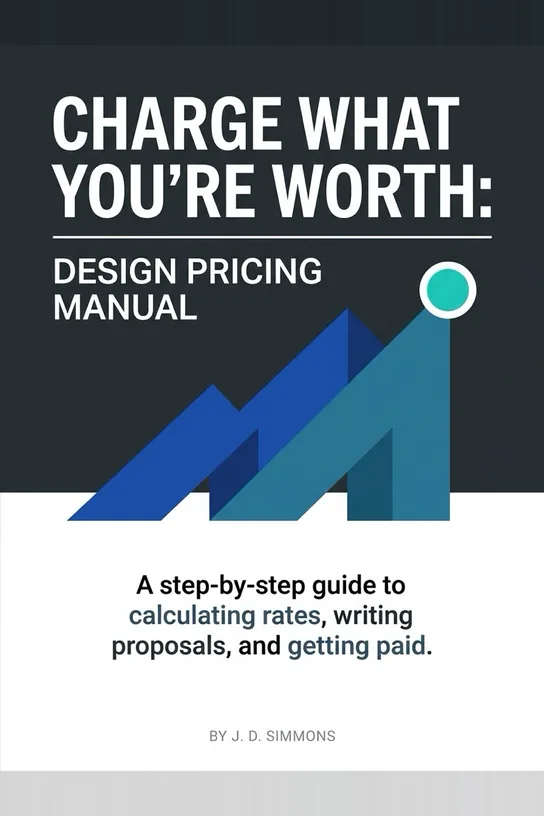
From “A step-by-step guide to freelance pricing for new designers” · drag a corner or tap a page to turn it
The files
Five files, five different jobs.
All five come with every paid plan, for every book.
PDF · print-ready interior
PaperbackFor a KDP paperback: 6 × 9 in, fonts embedded, a wider inner margin, and no cover inside.
EPUB
EbookThe ebook file. It reflows to each reader’s screen and type size. For Kindle, Apple Books and Kobo.
PDF · typeset
DownloadThe book as a finished object: 6 × 9 in with the cover on page one. To sell as a download or send to someone.
Word
EditingA manuscript on Letter paper with real heading styles, to edit in Word or Google Docs.
Cover
ImageThe cover artwork on its own, full size, as a PNG. For store listings and KDP’s Cover Creator.
Coloring books
NewTheir own four files: a print-ready PDF with blank backs, a home-print PDF, every page as an image, and the cover. See coloring books
Where each one goes
Which file for which store.
The book is yours: sell it anywhere, as many places as you like. BookArc takes no cut.
- Amazon KDP · paperback
- PDF · print-ready interior, plus the cover
- Amazon KDP · Kindle ebook
- EPUB
- Apple Books and Kobo
- EPUB
- Gumroad, Etsy or your own site
- PDF · typeset, and the EPUB
- An editor or proofreader
- Word
Free tools
Finish the job for free.
No sign-up, and nothing is uploaded: they run in your browser.
KDP spine width
Spine width and full cover size for a paperback, in inches, millimetres or pixels — using KDP’s own formula. Open it
Add a cover to a PDF
Put a cover image on the front of an ebook PDF, sized to match its pages. Open it
Merge PDFs and images
Combine PDFs and images into one PDF, in the order you choose. Open it
Questions about the files
Can I download on the free plan?
No. A free account can plan and write a whole book and read every page in the app, marked PREVIEW. Downloading the files comes with a paid plan, from $19 a month.
Will KDP accept the paperback file?
The print-ready interior is made for it: a true 6 × 9 inch trim with the fonts embedded, a wider margin on the bound edge, and no cover inside, because KDP takes the cover as a separate file.
Can I choose a different trim size?
Not for ebooks yet: both PDFs are 6 × 9 inches, the most common trade paperback size. The EPUB has no page size; it reflows to fit each reader’s screen. Coloring books come in four sizes.
What about the back cover and spine?
BookArc makes the front cover. For a paperback, use KDP’s Cover Creator with the cover PNG, or work out the spine with the free spine width calculator and build the full wrap yourself.
If I edit the book, do I download it again?
Yes, and it costs nothing. The files are made fresh from the book each time you download, so they always include your latest edits.
Do books in right-to-left languages work?
Yes. Arabic and the other right-to-left languages are typeset properly rather than just translated: the binding ends up on the correct side and the opening drop cap hangs off the correct edge.
More of what BookArc does
- AI book writerOne sentence in: a title, a chapter plan you edit, then every chapter written in order.
- EditingEdit any chapter by hand, or describe the change and review what the AI rewrote.
- Book typesSix formats, from a five-chapter lead magnet to a full novel.
- Book coversCover designs made for your genre. Draw another, upload your own, add your name.
- Coloring booksOne theme in: a whole book of line-art pages, ready to print.

From one sentence to files you can sell.
Describe your book. BookArc writes it, designs the cover and typesets every file. 30 credits free, no card.